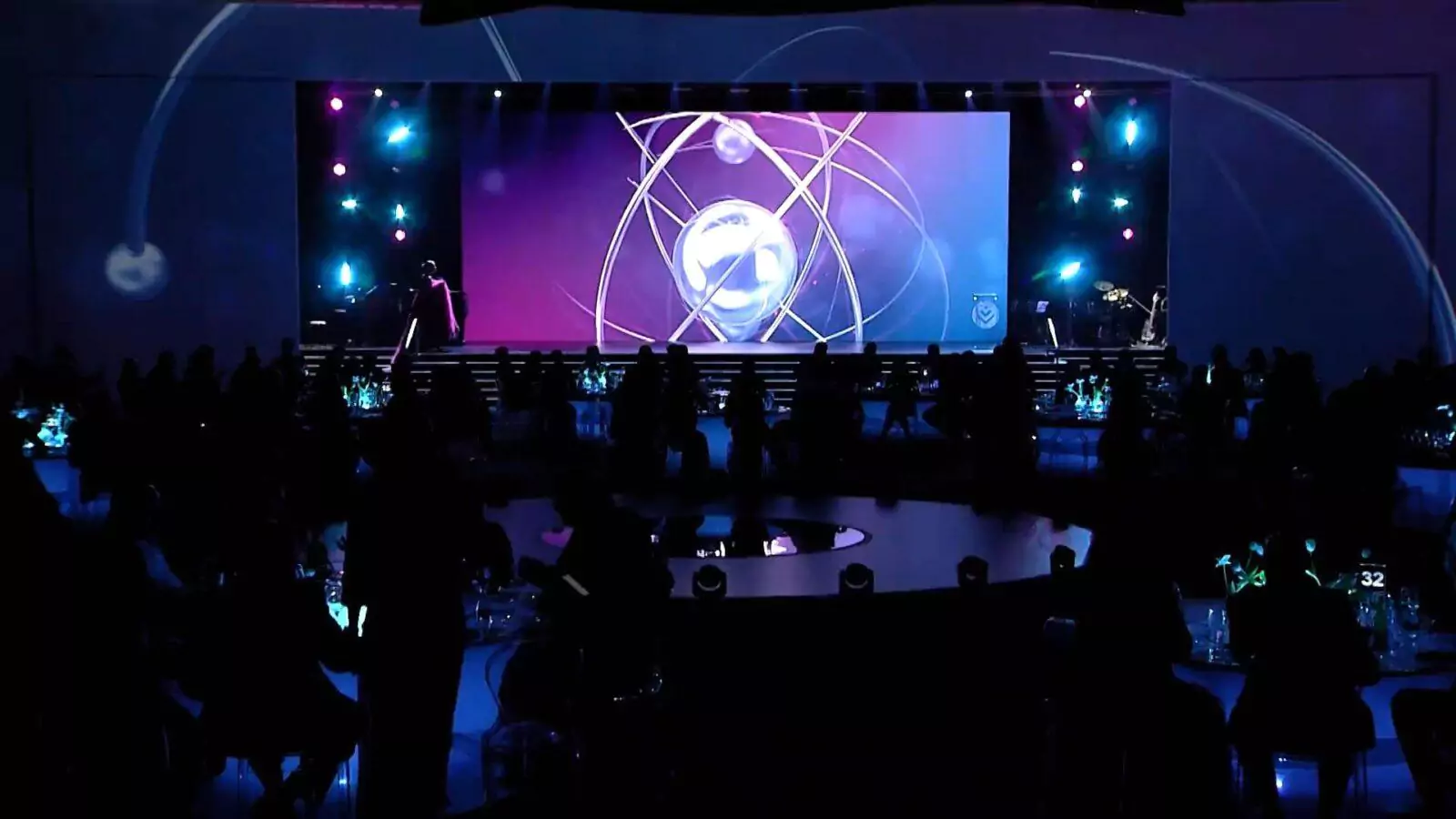
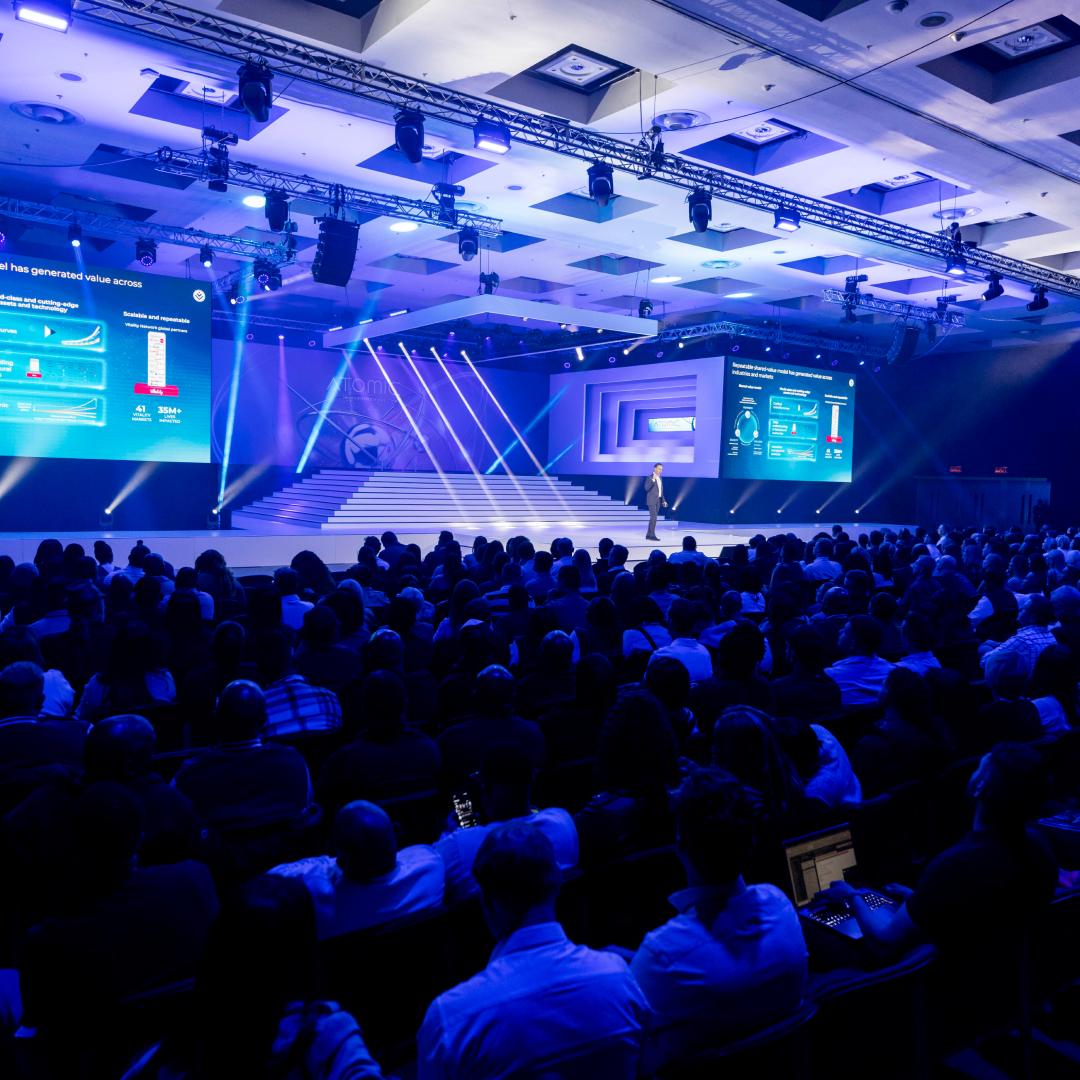
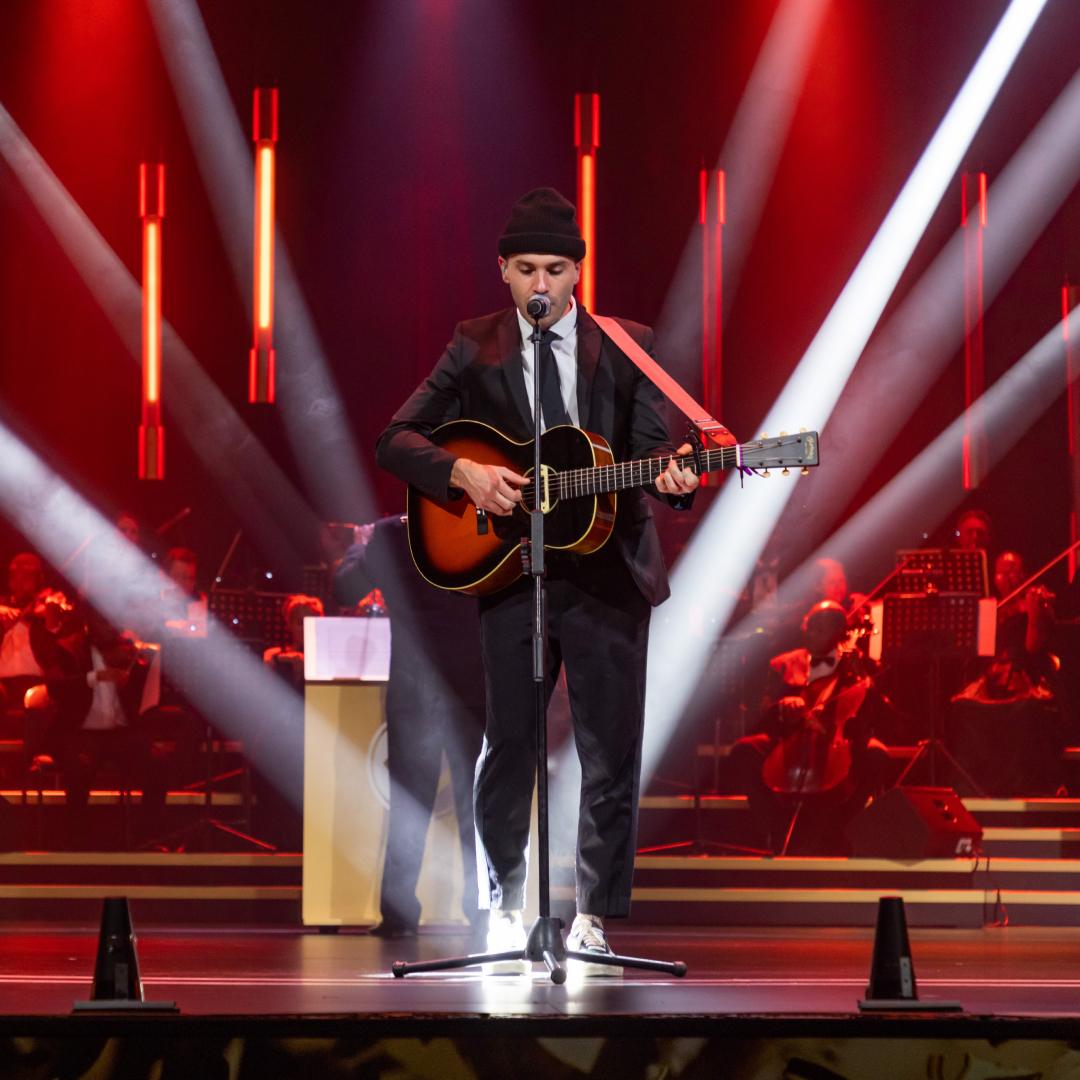


Ask any technical director about the AV requirements for events and you’ll get a knowing sigh before their answer arrives. That sigh contains years of last-minute screen-ratio changes, venues with mysterious electrical supplies and keynote speakers who treat the count-down clock as a loose suggestion.
Audiovisual production is the nervous system of a corporate event, carrying every word, image and cue to the audience. Think about it: If a signal suddenly drops, 400 people develop an intense and prolonged interest in their phones – or the ceiling.
Consider this guide to the AV details that event organisers most often forget and how to head them off before the doors open.
Start with the brief, where AV requirements are decided
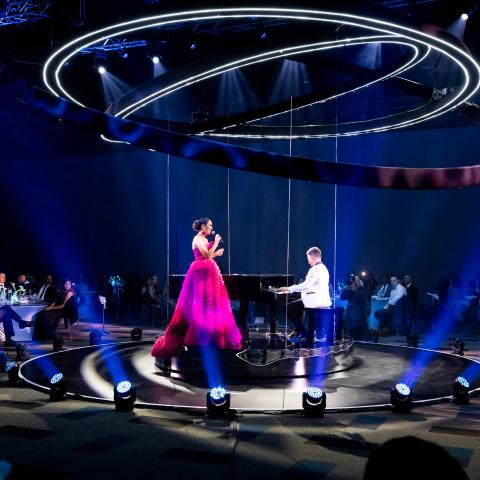
Every technical decision flows from purpose, which means that the AV requirements for a leadership offsite and a 2000-seater awards evening live on different planets.
Organisers will often request quotes before defining the basics for you – so specify many speakers there’ll be, what content will be shared, what and when the special moments are and whether anything will need to be filmed or streamed. Otherwise you’ll get a quote for the wrong show, revised three times at increasing expense.
Hot tip: Capture the technical detail in your event brief before approaching a single supplier. List the presentations, videos, award moments, entertainment and streaming needs you already know about and flag the unknown honestly. You want a supplier who understands the full picture from day one.
Power: the first entry on the event audiovisual checklist
Before a single screen is hung, someone has to ask the least glamorous question in production: What can this venue’s electrical supply actually deliver?
An LED wall, a full sound rig and theatrical lighting draw serious current, but plenty of beautiful venues were wired for chandeliers and little coffee machines. South African organisers also understand, better than most, why backup power deserves its own line on the event audiovisual checklist.
Hot tip: Get the venue’s power specification in writing before technical design begins. Confirm the phases, the amperage and where the supply terminates. For mission-critical shows, budget for a generator and a UPS on the control desks, so a two-second dip never becomes a 20-minute reboot.
Event sound and lighting, part one: sound that respects the room
Of the two halves of event sound and lighting, sound is the one audiences judge most harshly, because listening is involuntary. A room lined with glass and polished concrete bounces every syllable like a squash ball, while a long, narrow venue needs delay speakers so the back rows hear words instead of echo.
Then there are microphones. A full panel sharing one handheld mic, passed down the line like salt at a picnic, is an endurance test for everyone watching.
Hot tip: Match the mic to the moment. Headsets or lapel mics for presenters who move around, roving handhelds for audience Q&As and a lectern mic as a backup. Schedule the soundcheck with actual show content at realistic volumes and remember that an empty room doesn’t sound like one filled with warm bodies.
Event sound and lighting, part two: lighting for eyes and lenses
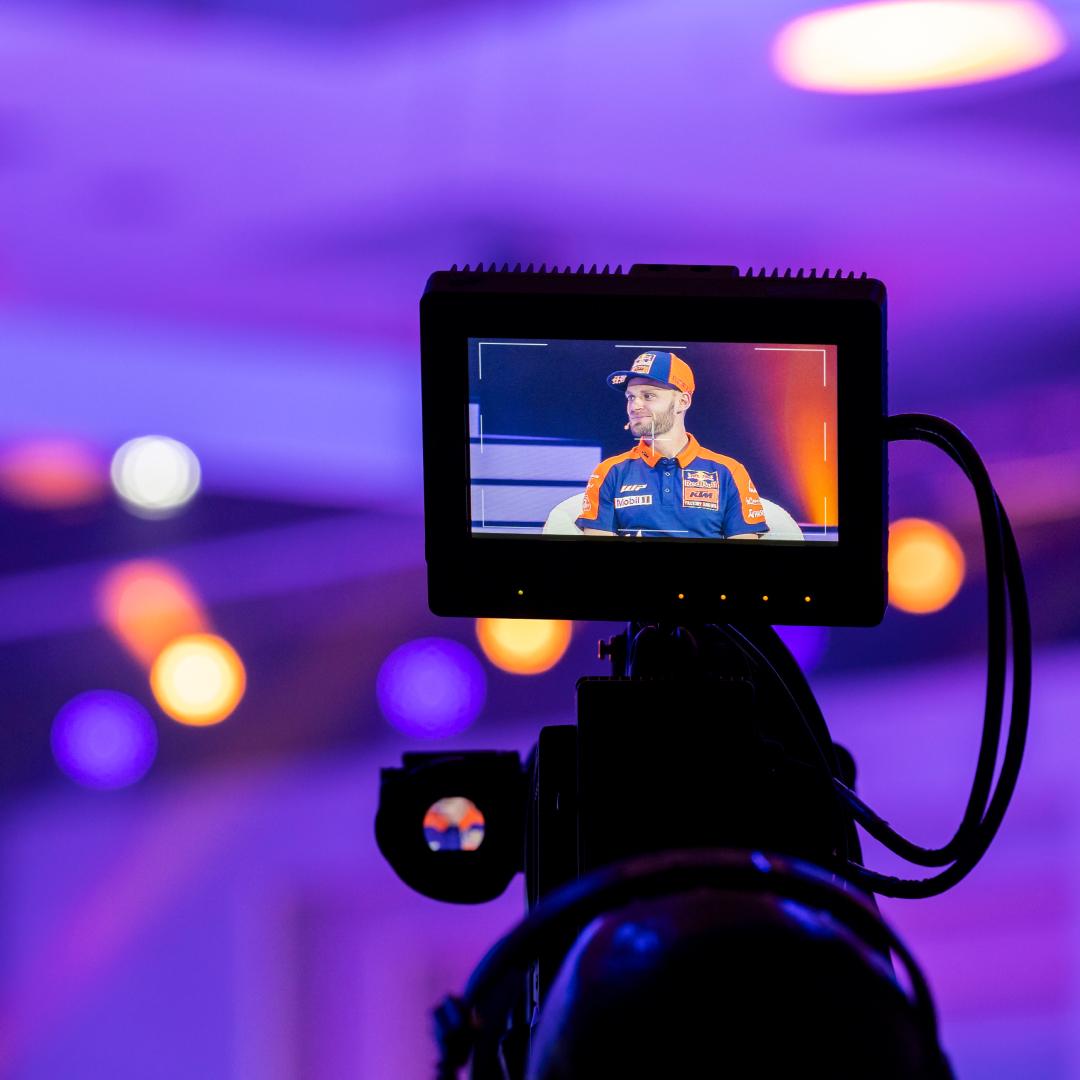
Lighting carries two jobs at any corporate event: 1) shape the atmosphere in the room and 2) make people look good on camera and in real life. Organisers often plan thoroughly for the first, forget the second, and then wonder why the highlights video shows the CEO as a silhouette against a blazing screen.
Stage wash and LED panels compete constantly, so the brighter the screen content, the harder the lighting designer has to work to keep human faces visible.
Hot tip: If the event will be photographed, filmed or streamed, brief the lighting designer from the start. Camera-friendly levels, a front wash on every speaking position and a quick test through an actual lens during set-up will rescue the content library your marketing team is counting on.
Screen formats: the most forgotten AV requirement for events
The modern stage is rarely a single 16:9 projector screen. Curved LED walls, pixel maps and multi-screen layouts demand content built to precise dimensions, and a presentation designed on a laptop the night before may stretch, crop or shrink.
Other classic culprits include fonts that are legible at arm’s length but invisible from row 30 and videos that play fine in the boardroom but won’t open on playback.
Hot tip: Share correct and user-friendly dimensions the moment speakers are confirmed. Set a firm content deadline, then test every file on the actual playback system, in the venue, before doors open. “It worked on my laptop” is the industry’s least favourite set of famous last words.
Bandwidth: the invisible AV requirement for hybrid events
Streaming demands guaranteed upload speed – and the prevailing wifi speeds were probably measured and scoped on a quiet Tuesday with nobody in the building. Once 400 guests arrive, carrying two devices each, that connection becomes a queue. And the remote audience experiences every buffer as a personal insult.
Hot tip: Treat bandwidth like catering and order for more guests than you expect. Insist on a dedicated, wired line for the stream, kept completely separate from guest wifi, and test the upload speed at the same time of day the event will run.
Rigging and load-in: where event AV meets physics
Venue brochures rarely mention ceiling load ratings, rigging points or the dimensions of the freight lift, but these details determine what can actually be built.
A six-metre truss doesn’t negotiate with a two-metre service corridor, and anyone who’s watched a product launch team coax a vehicle through a hotel lobby understands how quickly geometry becomes the main character.
Load-in windows matter too: a venue that hands you the room at 10am for a 2pm show has set your crew up for a very bad day.
Hot tip: Share venue drawings, rigging specifications and load-in times with your technical supplier before anything is signed. Ten minutes with a floor plan can prevent a redesign, a renegotiation or an expensive scramble on show day.
The people who run your event AV
An equipment list, however impressive, has never mixed a show. The operators behind the desks, the stage manager on comms and the show-caller reading the production schedule determine whether the evening feels effortless.
Organisers who compare quotes line by line often trim the labour first, which is like hiring an orchestra and then cheaping out on the conductor.
Hot tip: Book the operators, then protect their rehearsal. A full technical run with the AV team, the presenters and the show-caller is where the event audiovisual checklist proves itself and cues become muscle memory.
Getting event AV requirements right the first time
Audiovisual production rewards those who sweat the invisible details long before show day. Power, sound, lighting, screens, bandwidth, rigging, crew and backups – each one seems minor in isolation until it decides whether your audience remembers the message or the malfunction.
Mastering the AV requirements for events takes years of accumulated scar tissue, which is exactly what 360 Degrees Production House brings to the table. Our technical teams have walked the venues, asked the awkward questions and packed the spares.
If your next conference, launch or awards evening deserves a flawless show, talk to us before the planning starts. Your future self, watching the highlights video, will thank you.